 Roamtty
Leave your desk. Keep your AI workspace.
Claude Code or Codex runs on your own computer. Roamtty lets you connect from your iPhone, continue a terminal session and check the files it changed. Need a graphical interface? Open that same computer’s remote desktop without leaving the app.
US$1.99 on the US App Store · One-time purchase · No subscription
Local prices vary. Bring your own SSH-accessible computer and AI tools; model access is not included. Check the setup requirements →
Inspect the iOS source · Apache-2.0 · How your data is handled
Connect over your existing Tailscale network, with Tailscale and host SSH configured separately.
Android 8.0+ · iOS 16+ (not yet on the App Store in mainland China) · No accounts, ads or telemetry
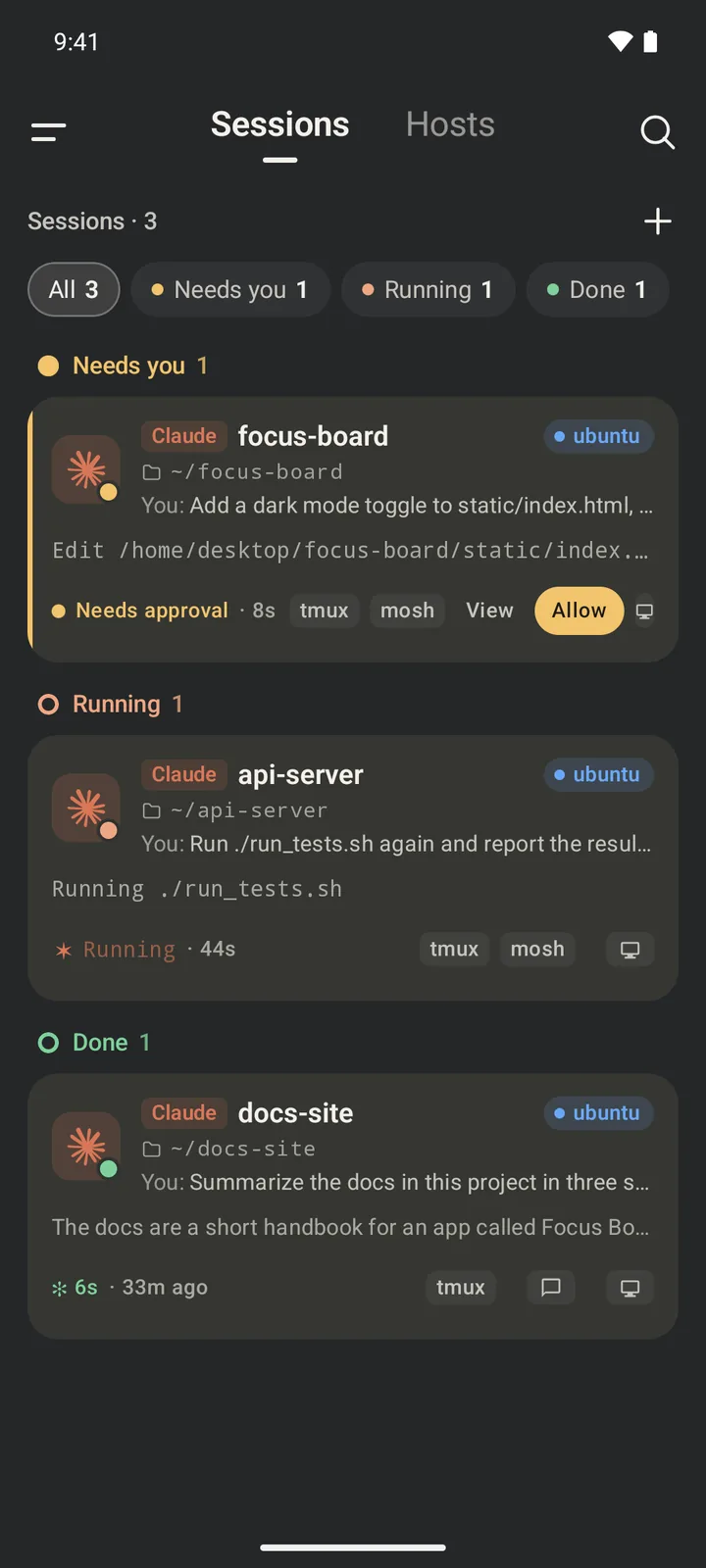
Built for remote development on a phone
Your AI tools run on your servers. Roamtty lets you reach them from anywhere.
AI agent sessions
Pick an agent, a host and a start folder, with read-only, standard or YOLO permissions. Sessions are grouped into needs you, running and done; cards show the task, the command being run and a summary of the answer, with Allow and Reply right on the card.
Remote desktop
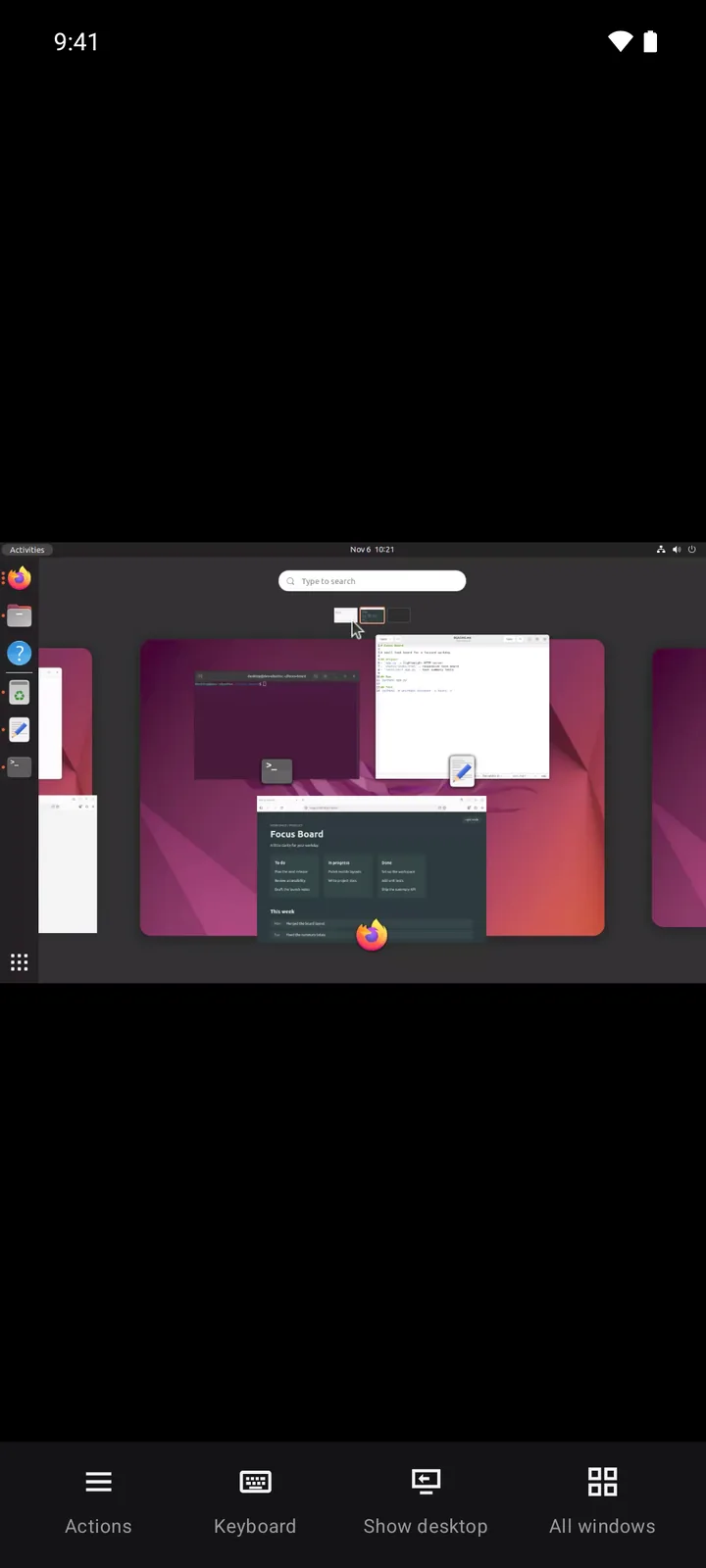
Open the desktop of a Linux, macOS or Windows computer on your phone. The app installs its plugin for you, with nothing to configure. Swipe to scroll, switch windows or show the desktop in one tap, and hear the computer’s sound. Learn more
Notifications
Claude Code tells you when it needs you or finishes a turn; one tap opens that session. Put the phone away and still catch it.
Landscape and portrait
Turn the phone whenever you like: the terminal, desktop and session list all rearrange, with far more room in landscape.
tmux persistence
Each session gets its own remote tmux session. Work keeps running when the network drops, the screen locks or the app closes, and reattaches when you come back.
mosh roaming
When the host has mosh, the terminal uses UDP and survives switching between Wi-Fi and cellular, falling back to SSH if mosh doesn't answer. Install tmux and mosh from inside the app.
A terminal made for touch
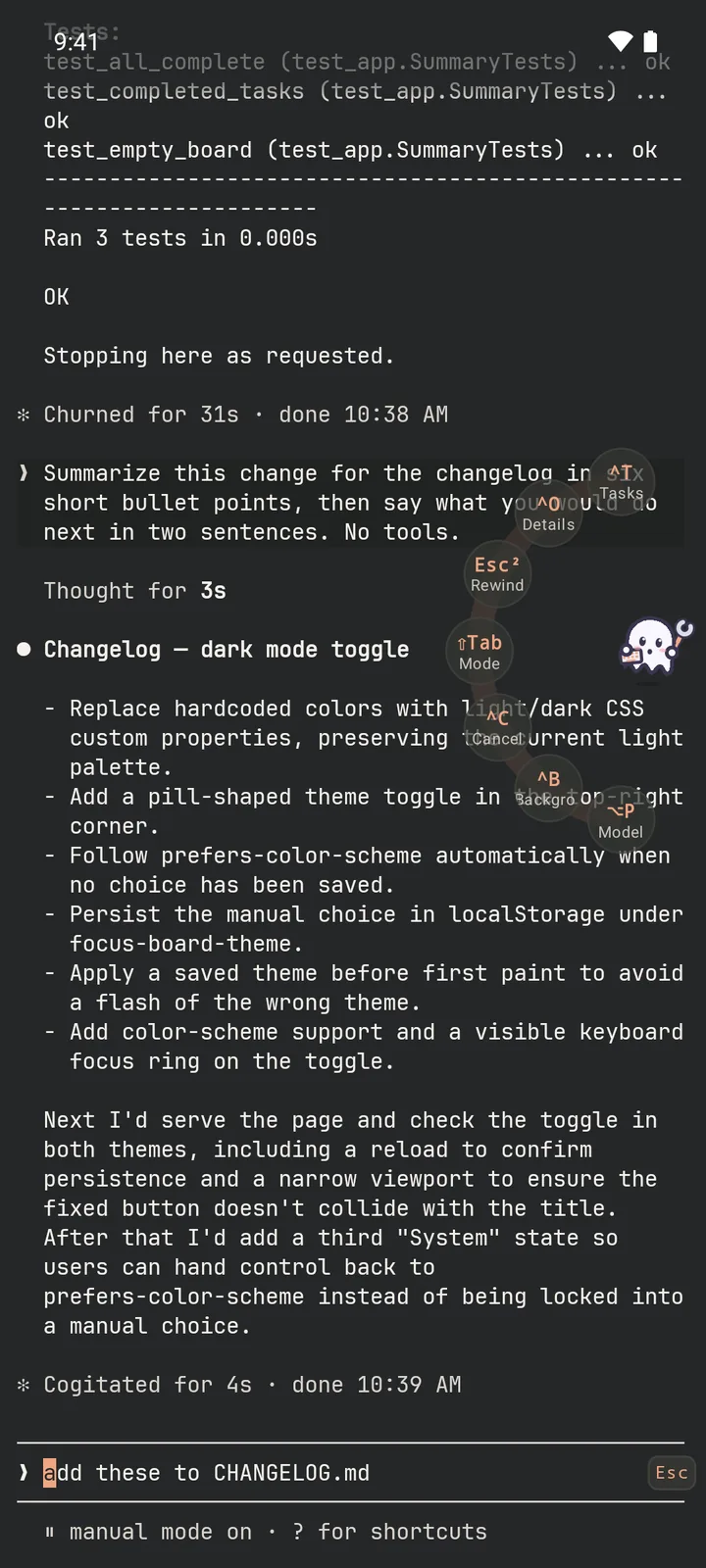
Double-tap for Tab and swipe for arrow keys. Hold the little ghost for a ring of shortcuts tailored to the program in front: Claude Code, Codex, Grok and Gemini CLI each get their own. Pinch to zoom; hold to select text or drag the cursor.
SFTP files
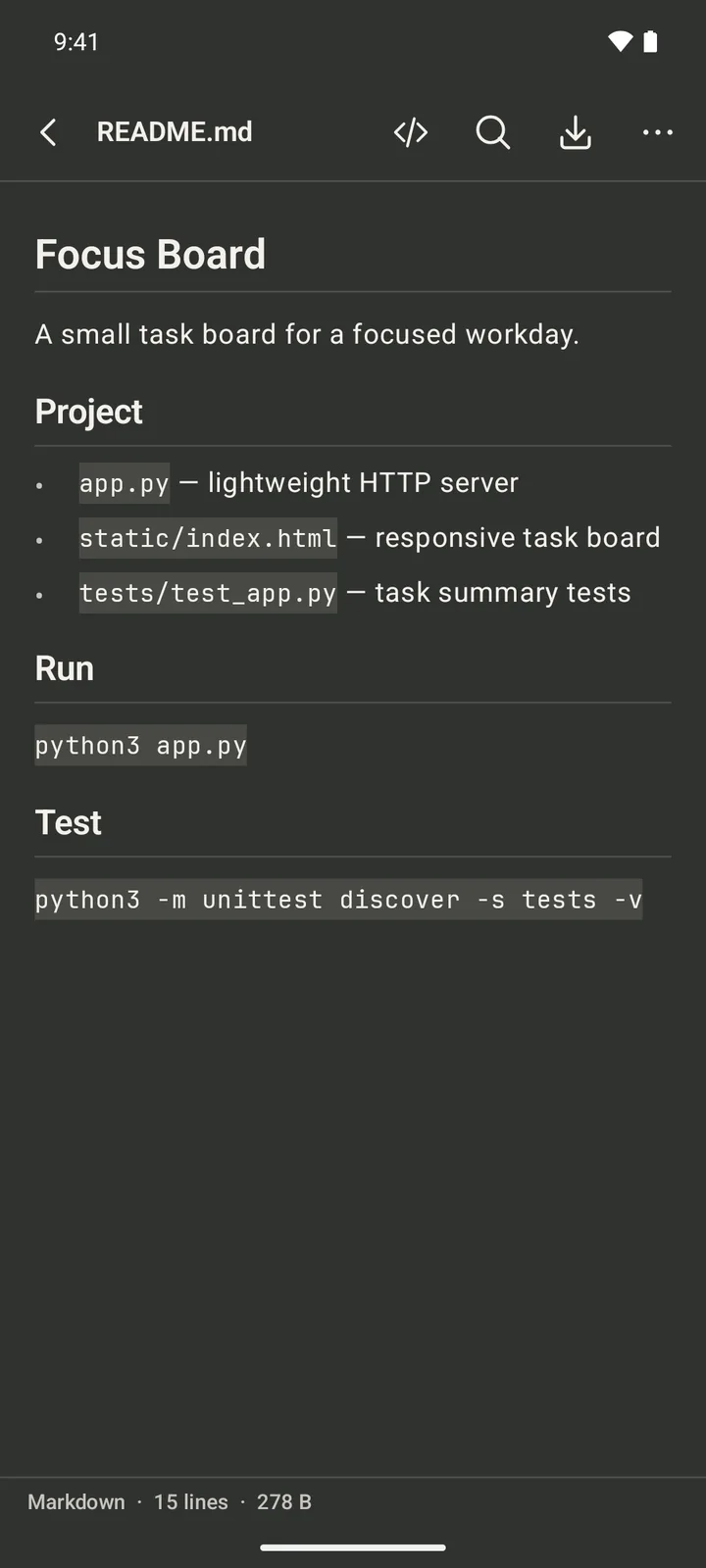
Browse server files and preview code with syntax highlighting, Markdown and images. Upload, download, rename and delete, or insert a photo's remote path into the terminal for the agent.
Host monitoring
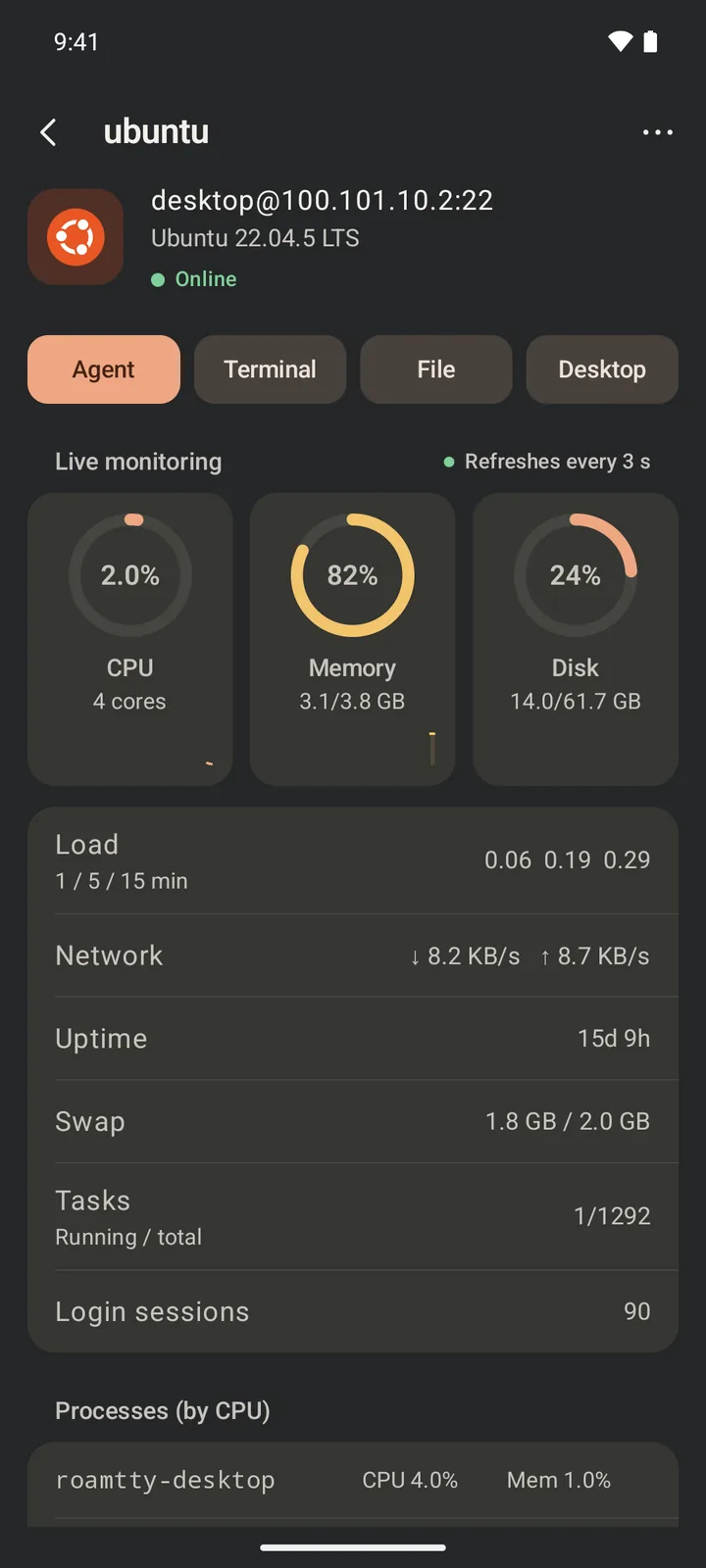
Live CPU, memory, disk, network, GPU and top processes, to see whether an agent's tests or build are stuck.
Reach home from any network
With Tailscale, or a self-hosted Headscale and DERP relays, reach your home or office machine over cellular without exposing it to the internet. See the guide
Secure by default
Verify the SHA-256 host fingerprint on first connection; a changed fingerprint blocks the connection. Passwords are saved encrypted only if you choose, and key passphrases never are.
Linux, macOS and Windows
Works with Linux, macOS, BSD and Windows hosts running OpenSSH and detects the system for you; on Windows, psmux keeps sessions alive and PowerShell powers folders and monitoring.
See it in action
Real screens from the Android app, connected to two demo virtual machines (Ubuntu and Windows) and sample projects.
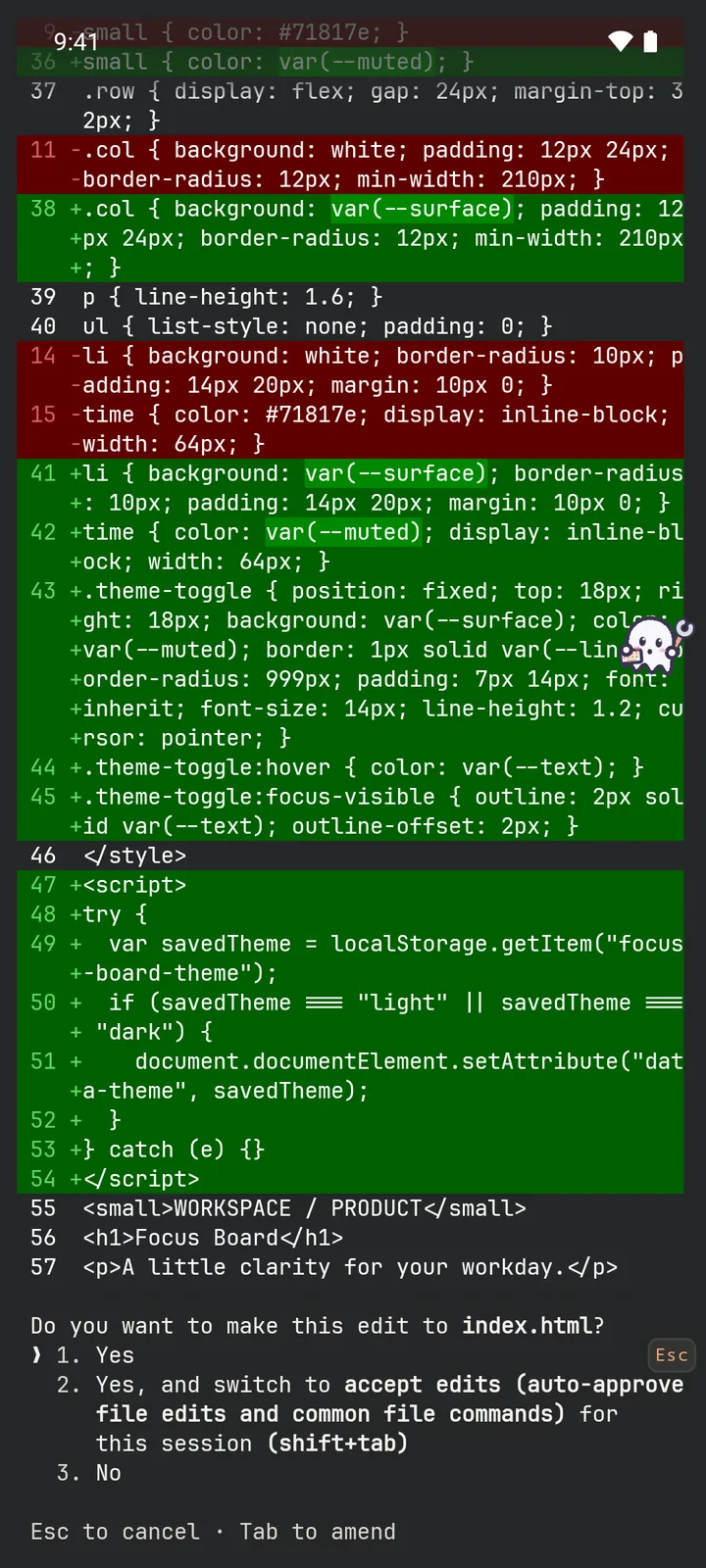
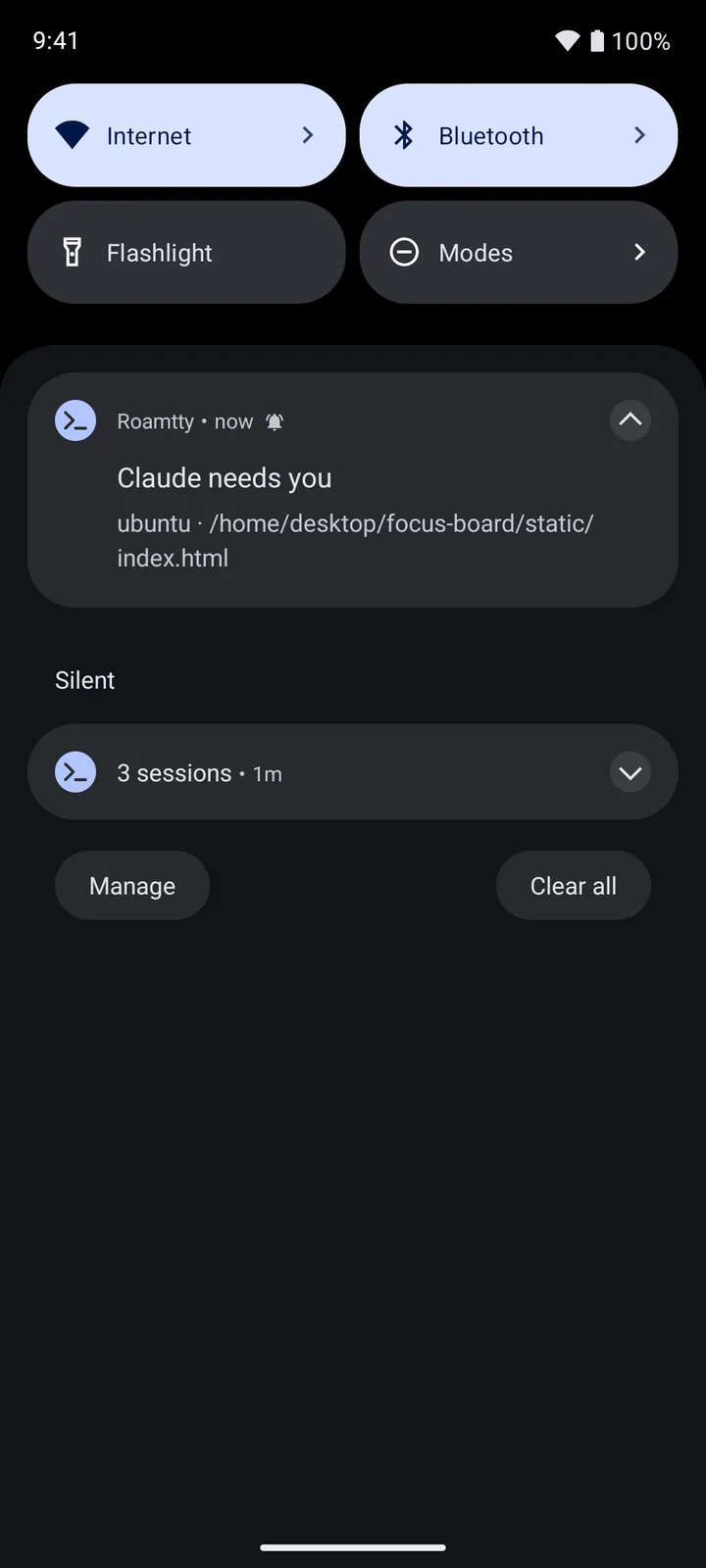
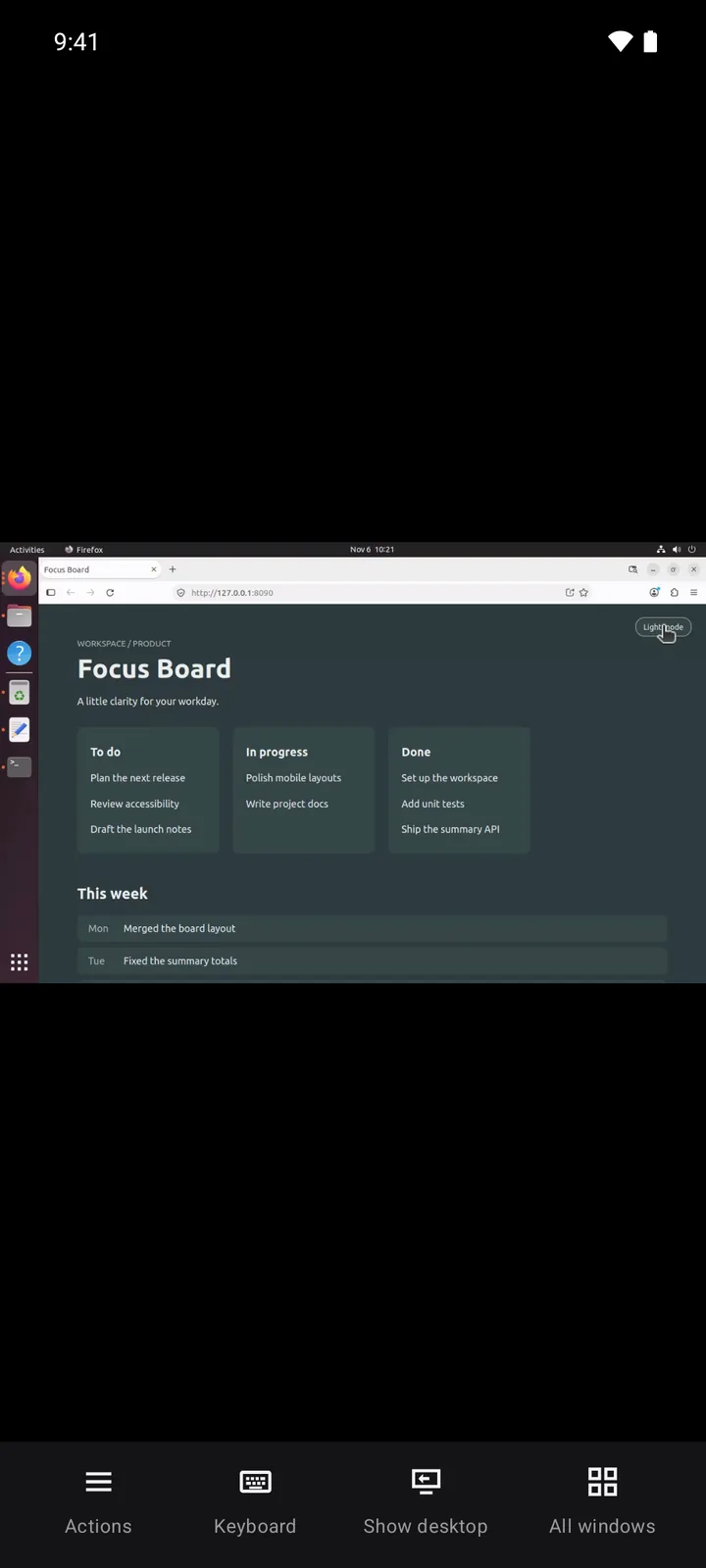
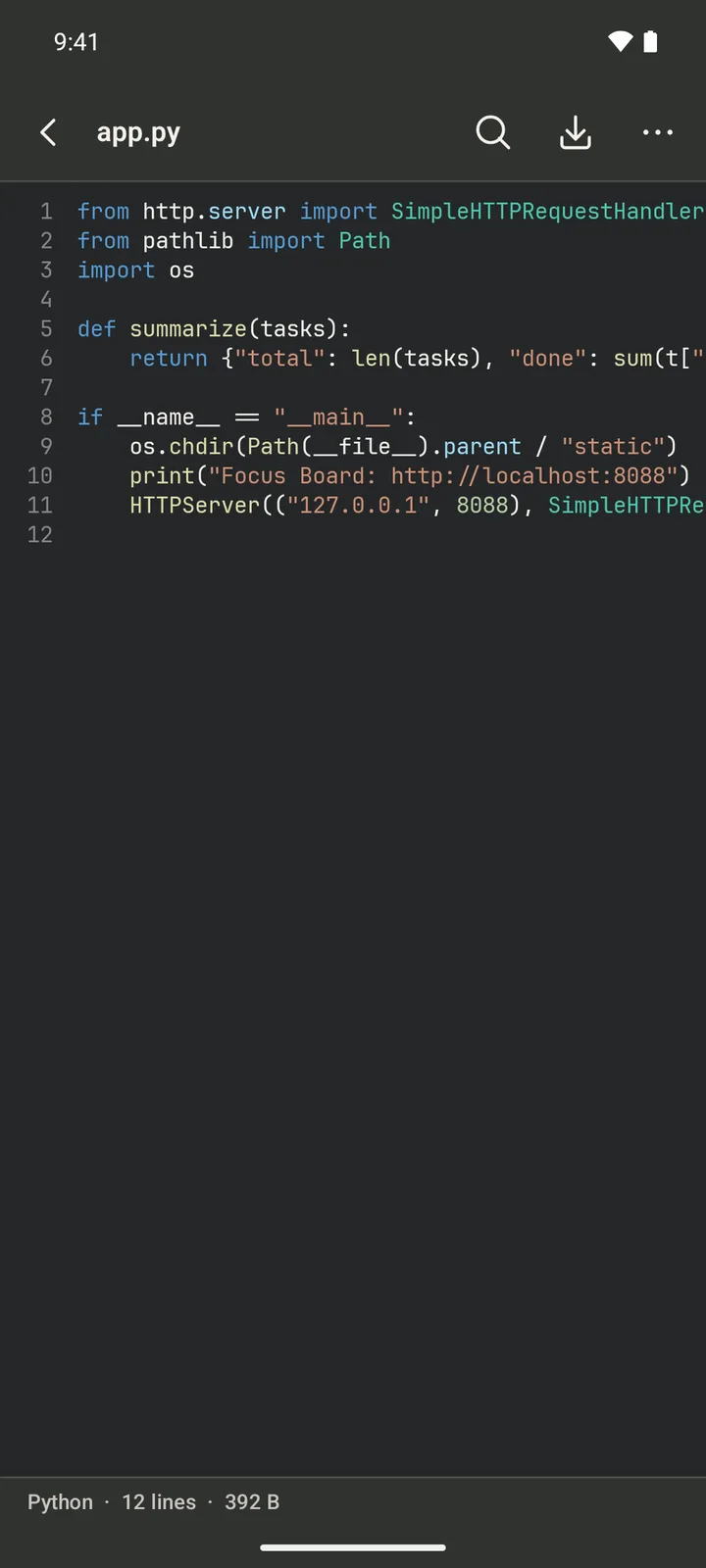
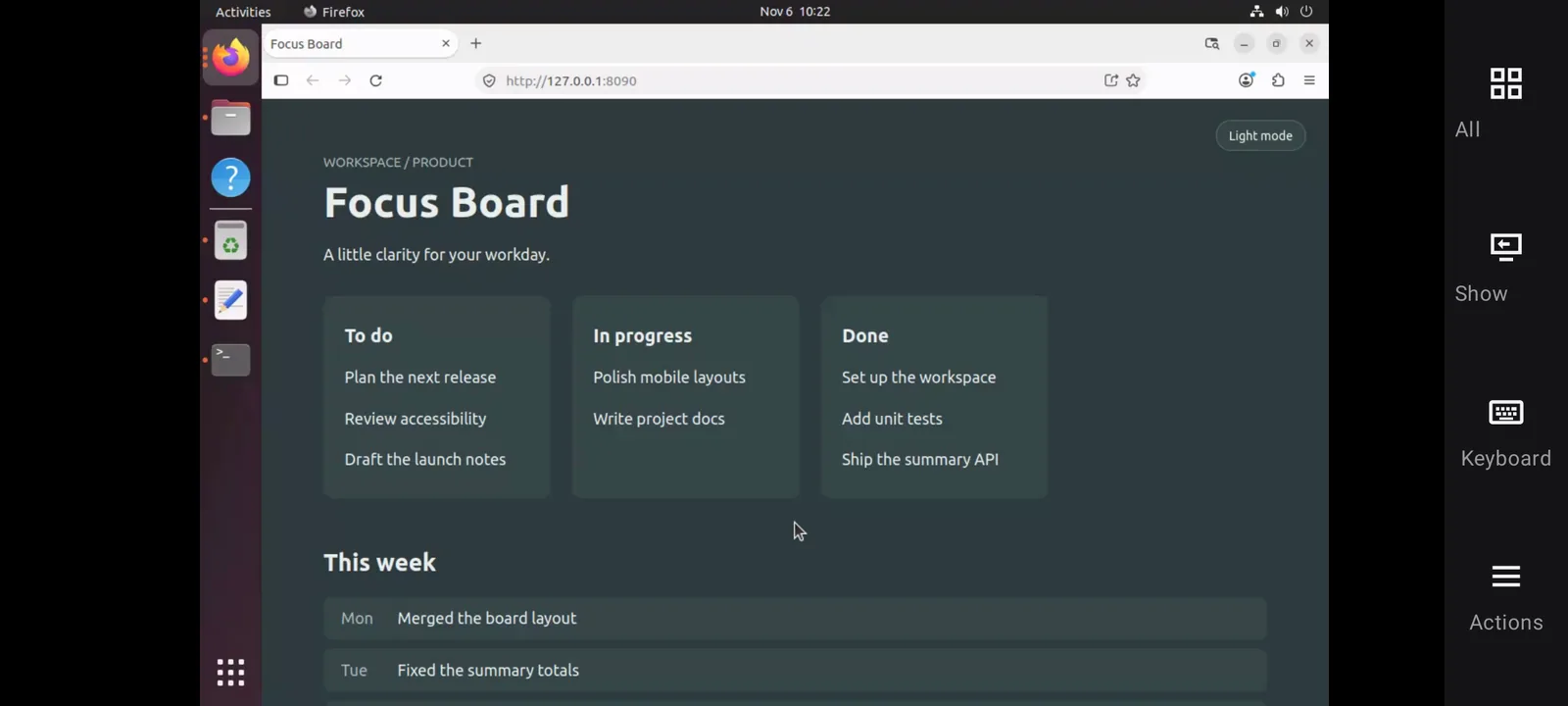
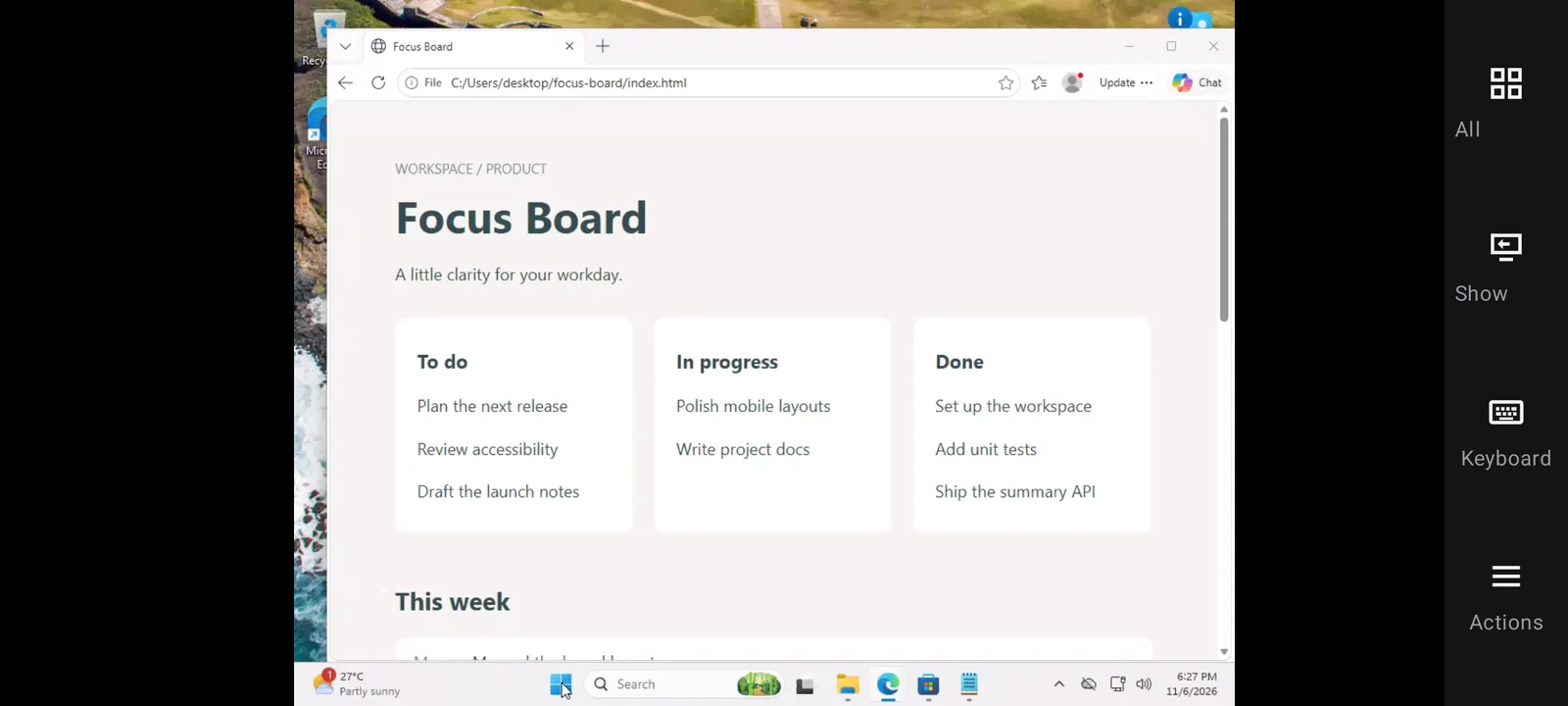
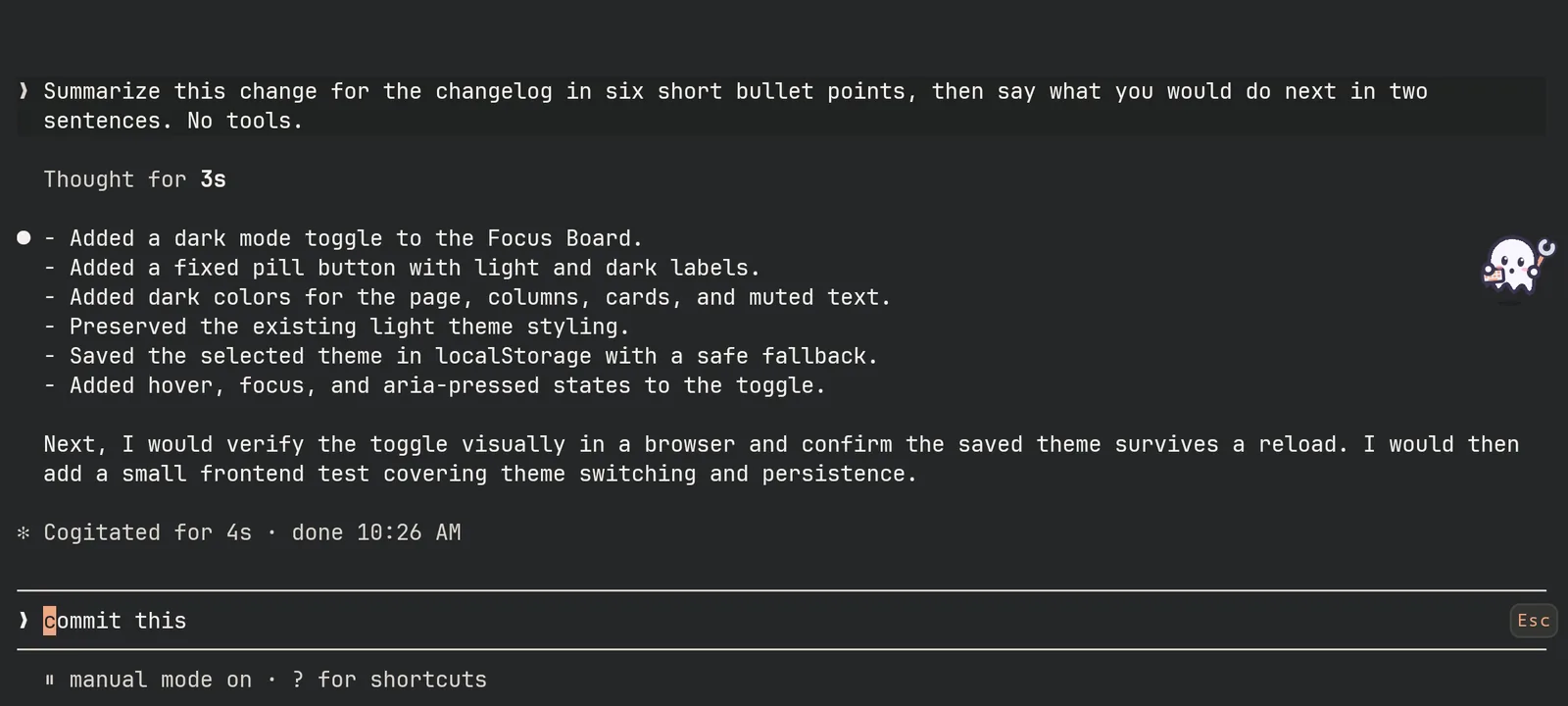
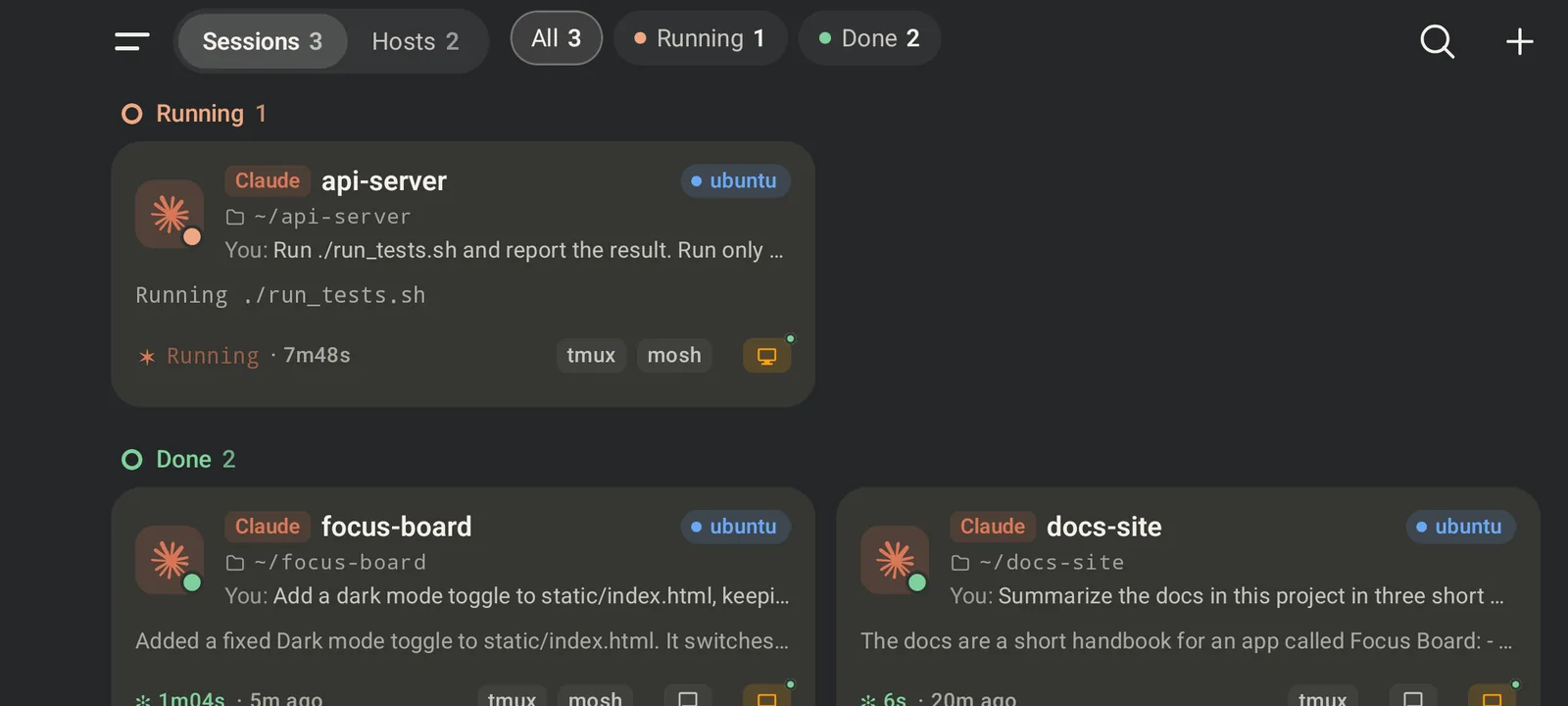
One experience on Android and iPhone
Both apps share the same features, in English or Simplified Chinese.
Android
Requires Android 8.0 or later
- Credentials encrypted with the Android Keystore
- A foreground service keeps your open connections alive and stops when the last one closes
- Upload images straight from the share sheet
iPhone
Requires iOS 16 or later
- Credentials kept in this-device-only Keychain storage
- Downloaded files show up in the Files app
- Send photos, files and text to Roamtty from the share sheet to upload them
Your servers stay yours
Roamtty has no backend. Hosts, credentials and settings stay on your device, and connections go only to the servers you add.
- No account needed
- No ads, analytics or crash reporting
- SHA-256 fingerprint check on first connect; a changed key blocks the connection
- Passwords saved, encrypted, only when you choose; key passphrases never saved
- Terminal content lives in memory only
- Pay once: no in-app purchases or subscriptions
Get started
The documentation covers everything from preparing a server and adding hosts to reaching your home machine from any network with Tailscale, or a self-hosted Headscale and DERP.
Read the documentation · Support & FAQ · support@roamtty.com